




Fridayroll App: Mobile Casino Application
Mobile casinos give you more freedom to choose when and where to play your favorite online slots. The Fridayroll app is a perfect mix of functionality and comfort. Players can install it on Android, iOS and Windows systems and enjoy their game sessions in between their daily chores, on the go, or at home.



What the Fridayroll App Is
We didn’t want to limit your options to one operating system with a native app; that’s why we decided to develop a progressive web application (PWA). It is a website that works like a regular mobile app, but you don’t need to download it from the Play Store or other platforms. You can play at Fridayroll Casino on Android or iOS, having the same gaming experience as playing on a computer. Here are some of the main features of our progressive web application.
| Feature | Details |
| Instant access | The Fridayroll PWA opens with one tap on its icon like any other app on your homescreen. |
| Cross-platform | Players can install our app on Android, iOS or Windows systems. It’s perfectly compatible and will run smoothly no matter the device you use. |
| Fast loading | Thanks to built-in caching, progressive web applications save key elements of the site on your device, so the app loads faster. |
| Lightweight | The Friday Roll Casino doesn’t take up much space on your devices. You only need 12MB to install it. |
The site design remains the same on mobile devices, so it’s equally easy to navigate, and you have full access to our 6,000-game library.
Fridayroll App: Benefits and Features
The mobile version of Fridayroll Casino is as secure as the web one. Android and iOS players can set a password for the app or enable Face or Touch ID. PWA updates in the background every time you open it, so you always have the latest version and don’t need to download new files manually.
While some games are better suited to larger screens, online slots are actually better on mobile devices. All titles at Fridayroll Casino are optimized for touch controls and adjust to any screen size. The caching function we mentioned makes the app handle unstable connections much better than the website does.
You can also enable push notifications to receive updates about our promotions and site news. The Friday Roll app has a built-in live chat, so you can immediately contact our support team if you encounter any difficulties with our platform. Besides, downloading the documents for the verification process is more convenient on mobile than uploading them to a computer first.
iOS Application
iPad and iPhone users don’t need to download the Friday Roll Casino application from the App Store. You can play straight from your Safari browser or create a shortcut for the home screen and launch our mobile casino with a tap of your finger. To do so, you need to:
- Open the Fridayroll Casino website in the browser.
- Click the “Share” button at the bottom of the page.
- Scroll till you see the “Add to home screen” line and tap it.
You can also change the icon’s name before adding it to your screen. The Fridayroll app runs better on the latest iOS versions, but players can also launch it comfortably on older devices. After you log in from your mobile or tablet, you can use all the functions without restrictions. Players can also use Apple Pay to make deposits.
Fridayroll App for Android
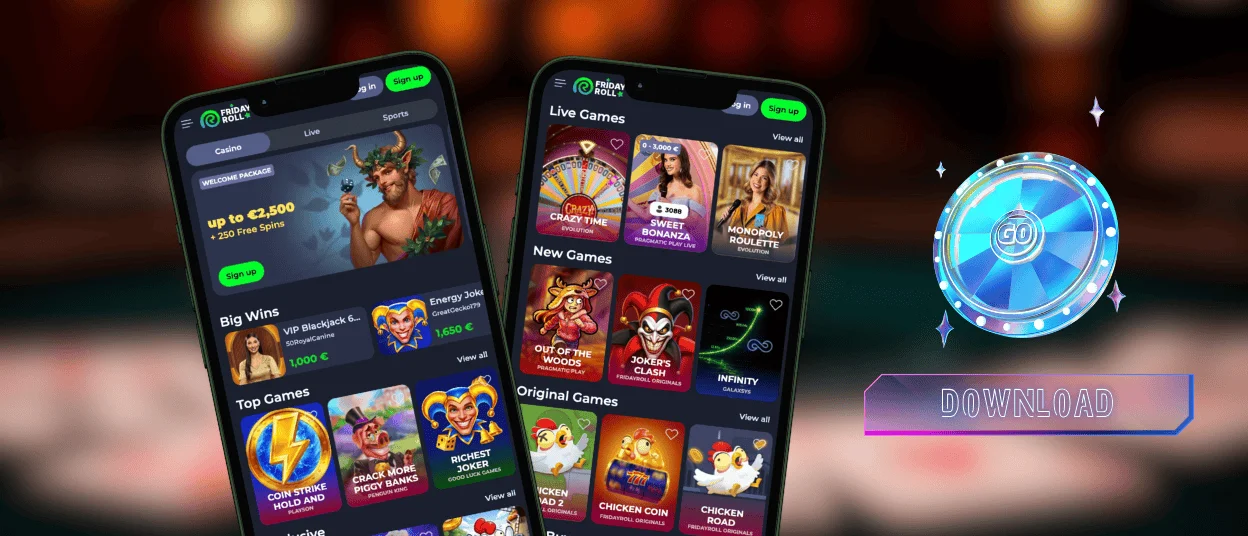
Our application works equally well on Android devices, so smartphone users have the same options as players with iPhones. You can launch Friday Roll Casino on Google Chrome or other browsers and play whenever you like. If you want to install the application, you can do this from our official website. The steps are similar to iOS: first, you open your mobile browser, then search for the Fridayroll site. You will see a three-dot menu at the top of the webpage. When you tap it, scroll down to the “Add to home screen” option and create a shortcut.
Play Friday Roll Casino on Mac or Windows
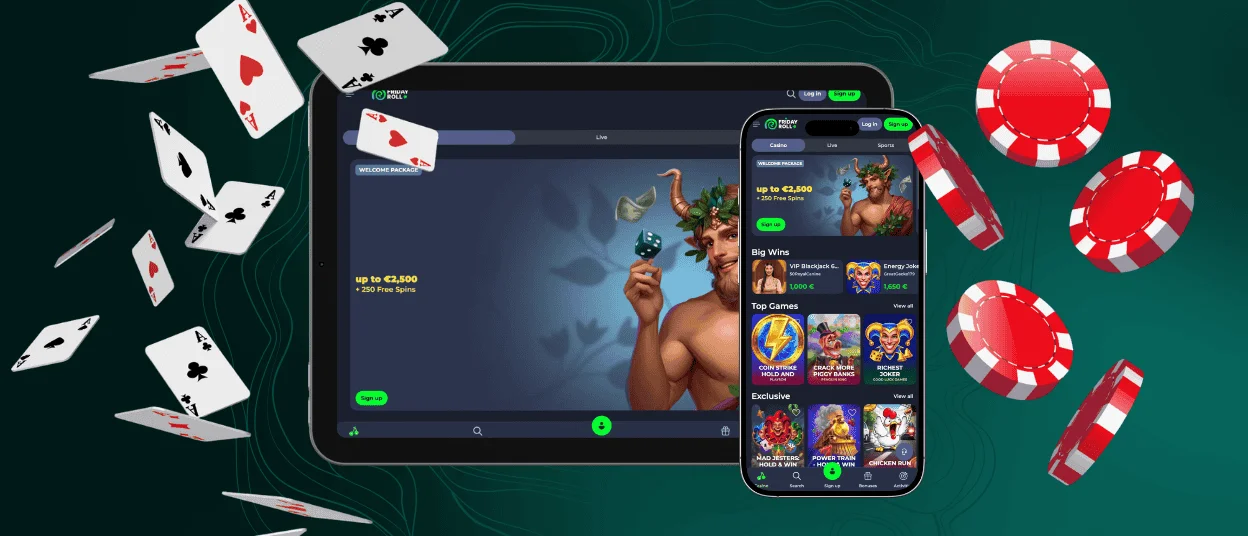
The PWA format also allows players to install the Fridayroll Casino app on Windows and macOS or play from the browser as usual. So if you’re not a fan of spinning slots on mobiles, you can continue enjoying your sessions on PCs and laptops. Besides, players can open several tabs and manage settings or do whatever while browsing our game collection.
Install the Fridayroll App on Any Device
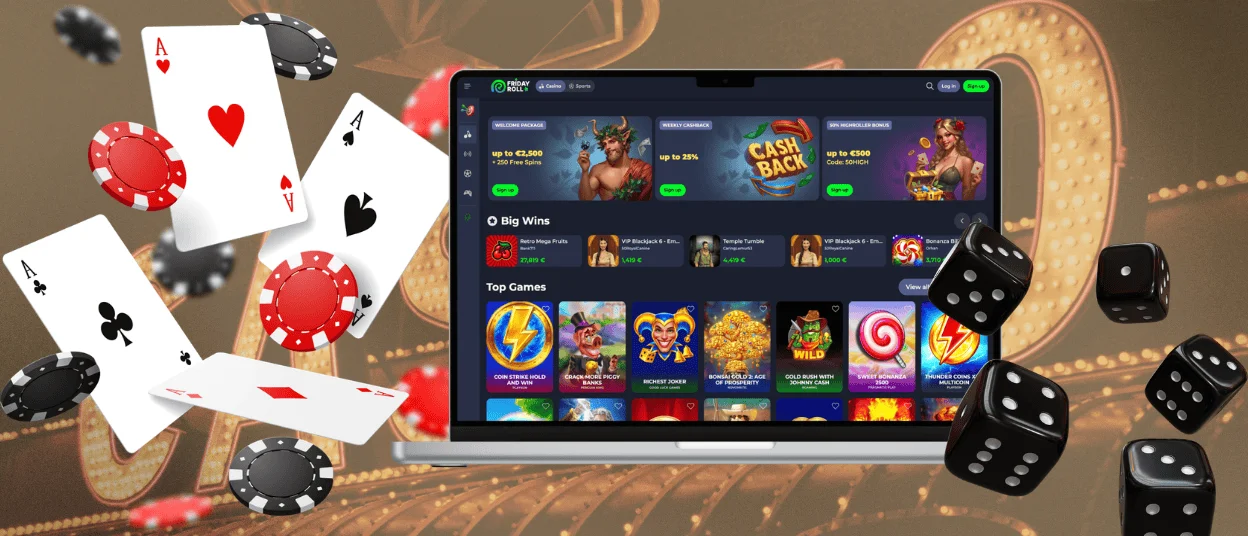
As you can see, Fridayroll PWA runs on any operating system and device. You can easily switch between your gadgets with a single account. When you log in from the new device, all the information synchronizes. That means you don’t need to adjust settings to play on mobile after PC, or vice versa. All the details you change in the profile will also apply to every device. You can also check the log history and see when and from where you’ve been authorized.
FAQ
Does the Fridayroll app require an APK download on Android?
Players don’t need to download APK files for our app because we have a progressive web application. You install it directly through your web browser.
Can players return to the same game after closing the browser tab?
If you’ve closed the tab while playing your favorite online slots, table games or instant wins, you can re-open it and continue where you left off. But live games don’t pause for anyone, so you will get to the new session.
Does the Fridayroll app support both portrait and landscape play?
The Fridayroll app is optimized for various screen types, so it also supports both portrait and landscape play. You can play at our mobile casino in whatever way is convenient for you.


